
Menu Manager
Introduction
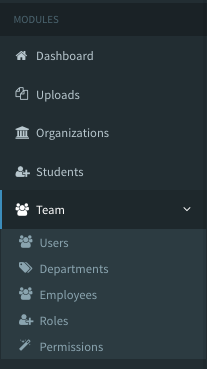
Menu Manager edits the admin panel's sidebar menu. Menu items are either modules or custom links. The seeder adds a Dashboard link, every built-in module, and the parent items Team (Users, Departments, Employees, Roles, Permissions) and Blog. Generating a CRUD adds the new module to the menu.
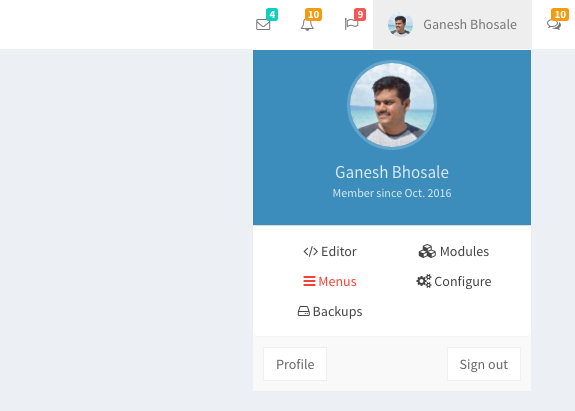
The Super Admin opens Menu Manager from Menus in the navbar, or at /admin/la_menus.
Using Menu Manager
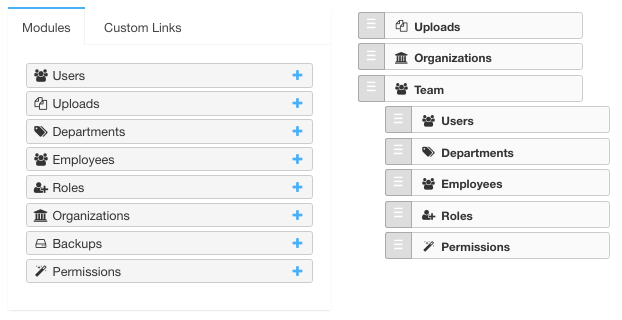
The left side lists the modules and a form for custom links. The right side is the menu: drag items to reorder them or nest them under a parent, like in WordPress.
Create Menu Items
1. Module items
On the Modules tab, click next to a module. The item links to the module's listing and uses the module's icon.

2. Custom links
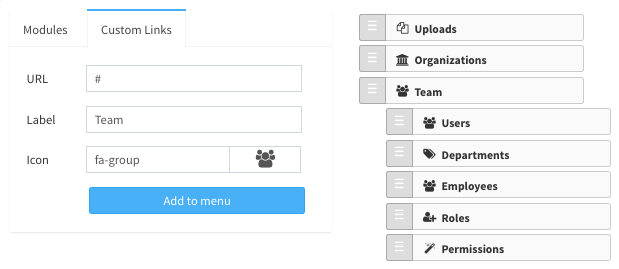
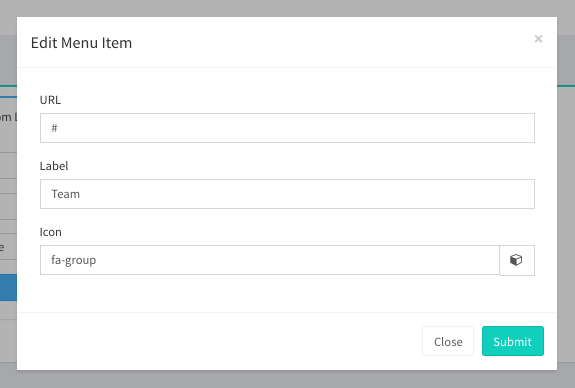
On the Custom Links tab, enter a URL, a label and a Font Awesome icon (e.g. fa-group). For a parent item that only holds other items, like Team, use # as the URL.
Edit, Order & Delete
Hover an item to see its buttons. edits a custom link's URL, label and icon (module items take their link and icon from the module). deletes the item; deleting a menu item doesn't delete the module.
Drag and drop saves the new order and nesting at once.
Menu Access
- Module items are shown to every user whose roles have view access to the module.
- Custom links are shown to the roles ticked on the item's access page (), and always to the Super Admin. A new custom link starts with all roles ticked.
Hiding a menu item doesn't protect anything: what a role can open and change is decided by module access.